Fluid
Ink in water, stirred by the pointer and the sound.
- Kind
- Layer · Simulations
- Script name
fluid- Cost to draw
- Very heavy
- Reacts to
- sound and the pointer
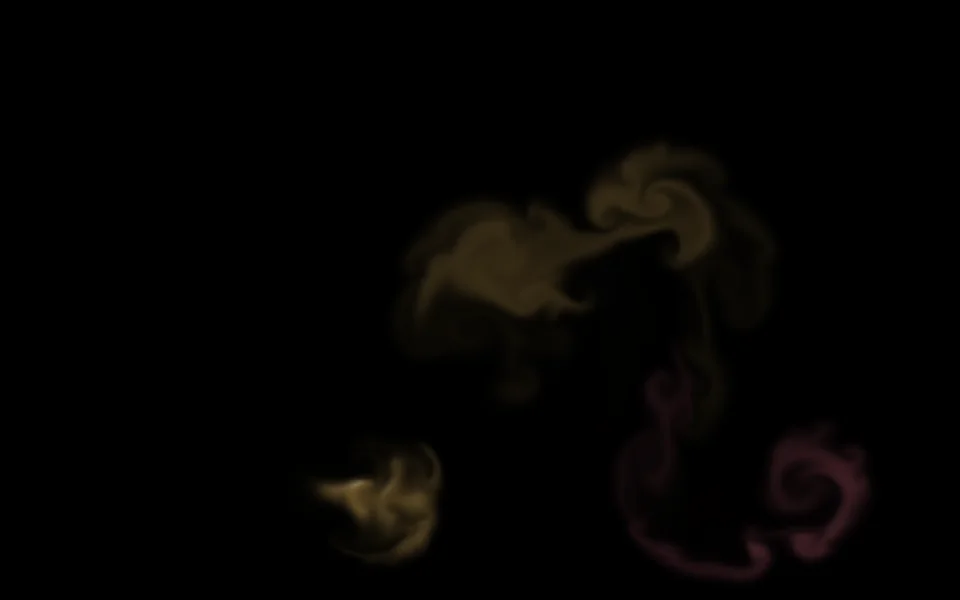
Fluid
| Setting | Kind | Starts at | Range and notes |
|---|---|---|---|
Inkscolours | palette | ["#7ce695ff", "#caecffff", "#a98bffff", "#ff7a90ff", "#ffc86 | – |
Fadesdissipation | number | 30% | 0% to 100%How quickly the ink fades |
Settlesviscosity | number | 20% | 0% to 100%How quickly it stops moving |
Curlvorticity | number | 45% | 0% to 100% |
The pointer stirs itforce | number | 1× | 0 to 2× |
Stirs itselfsplats | number | 40% | 0% to 100%Splashes of ink now and then |
Sound pushes itsound | number | 0% | 0% to 100% |
Resolutionresolution | number | 60% | 25% to 100% |
Shineshine | number | 30% | 0% to 100% |
From a script
Every setting above can be changed by the scene's logic, by its key. Say the layer is called Fluid:
scene.set("Fluid", "dissipation", 1);scene.animate("Fluid", "opacity", 0.5, 2);import { scene } from "motion";scene.set("Fluid", "dissipation", 1);scene.animate("Fluid", "opacity", 0.5, 2);◆On Scene Start
ƒSet Layer SettingTarget is Layer
TargetFluid
Parameter Namedissipation
Parameter Value1
Used in
The example scenes with a Fluid layer in them. Each picture is the whole scene, not the layer alone: open one to see what the layer does in it.
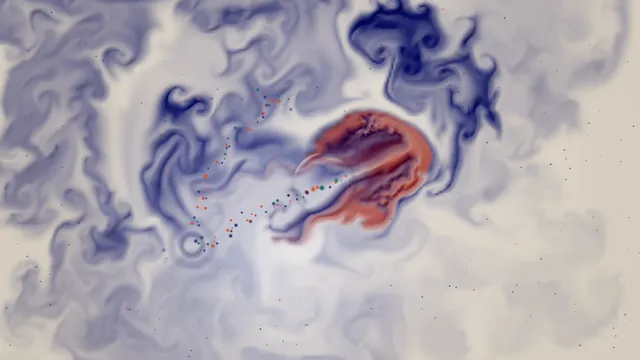 Ink Pool
What every layer has
Besides its own settings, every layer has its opacity, blend, placement, quick effects and an effects stack. They're listed once, on the layers page.
Notes from the community
Written by creators and checked by the docs' editors. Not part of Motion's official reference.