Fireworks
Rockets bursting into falling sparks.
- Kind
- Layer · Other
- Script name
fireworks- Cost to draw
- Heavy
- Reacts to
- sound and the pointer
- Blend
- Light costs no extra pass
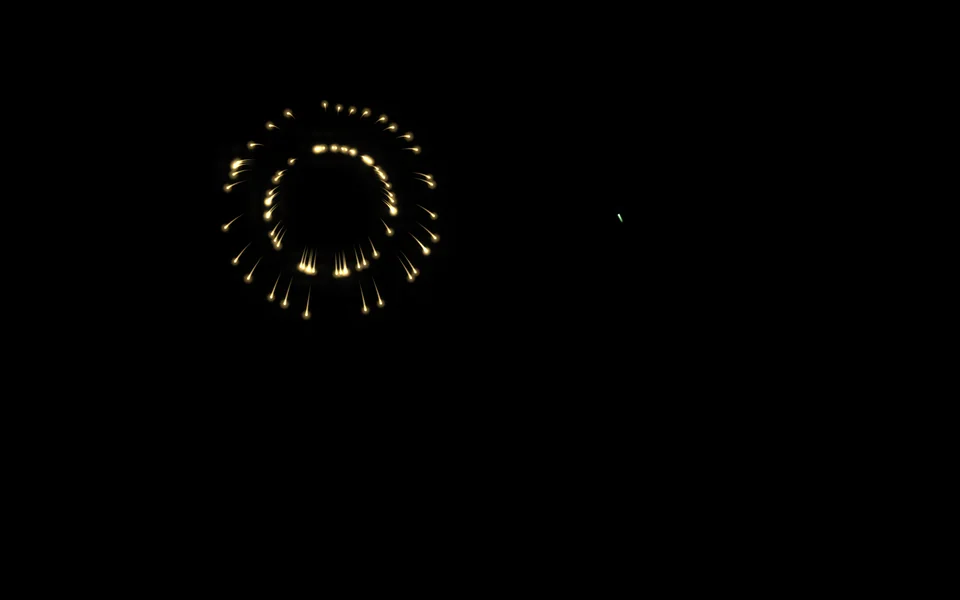
Fireworks
| Setting | Kind | Starts at | Range and notes |
|---|---|---|---|
First colourcolour1 | colour | #7ce695 | – |
Second colourcolour2 | colour | #ffc861 | – |
Third colourcolour3 | colour | #ff7a90 | – |
Colourspalette | choice | These three | These three, Every colour |
Burstsshape | choice | Mixed | Mixed, Round, Rings, Willow |
Bursts a minuterate | number | 18 | 0 to 120 |
Sizesize | number | 22% | 5% to 60% |
Fallgravity | number | 1× | 0 to 2× |
Trailstrail | number | 50% | 0% to 100% |
Cracklecrackle | number | 40% | 0% to 100%Sparks twinkle as they die |
Brightnessbrightness | number | 100% | 0% to 200% |
Show the rockets risingrockets | on or off | on | – |
Burst where clickedclicks | on or off | on | – |
Bursts on the beatsound | number | 0% | 0% to 100%How often a beat sets one off |
From a script
Every setting above can be changed by the scene's logic, by its key. Say the layer is called Fireworks:
scene.set("Fireworks", "colour1", "#ff8a5c");scene.animate("Fireworks", "opacity", 0.5, 2);import { scene } from "motion";scene.set("Fireworks", "colour1", "#ff8a5c");scene.animate("Fireworks", "opacity", 0.5, 2);◆On Scene Start
ƒSet Layer SettingTarget is Layer
TargetFireworks
Parameter Namecolour1
Parameter Value
What every layer has
Besides its own settings, every layer has its opacity, blend, placement, quick effects and an effects stack. They're listed once, on the layers page.
Notes from the community
Written by creators and checked by the docs' editors. Not part of Motion's official reference.