Rain
Slanting rain, with mist if you like.
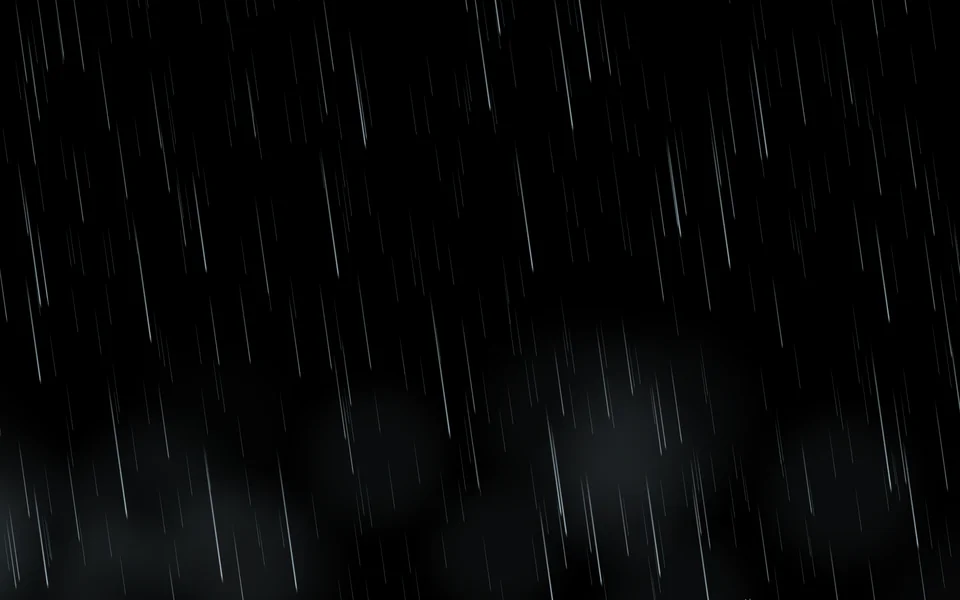
Rain
| Setting | Kind | Starts at | Range and notes |
|---|---|---|---|
Colourcolour | colour | #caecff | – |
Amountamount | number | 40% | 2% to 100% |
Speedspeed | number | 1× | 0.2 to 3× |
Slantangle | number | 8° | -45 to 45° |
Streak lengthlength | number | 1× | 0.2 to 3× |
Thicknessthickness | number | 1× | 0.3 to 3× |
Mistmist | number | 20% | 0% to 100% |
From a script
Every setting above can be changed by the scene's logic, by its key. Say the layer is called Rain:
scene.set("Rain", "colour", "#ff8a5c");scene.animate("Rain", "opacity", 0.5, 2);import { scene } from "motion";scene.set("Rain", "colour", "#ff8a5c");scene.animate("Rain", "opacity", 0.5, 2);◆On Scene Start
ƒSet Layer SettingTarget is Layer
TargetRain
Parameter Namecolour
Parameter Value
Used in
The example scenes with a Rain layer in them. Each picture is the whole scene, not the layer alone: open one to see what the layer does in it.
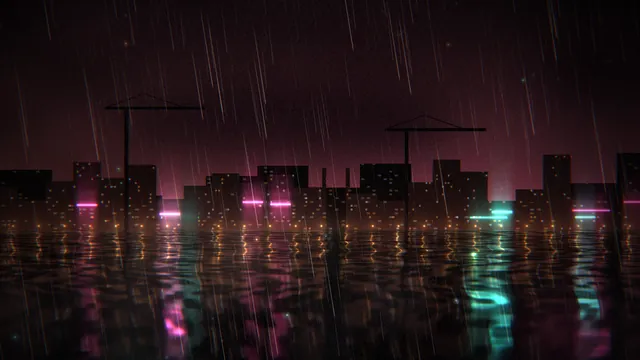 Rain Harbour
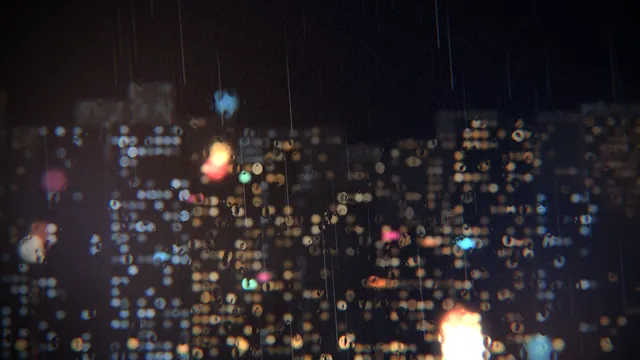 Rain on Glass
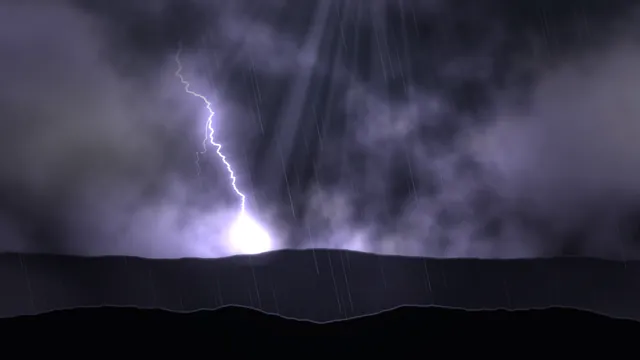 Storm Front
What every layer has
Besides its own settings, every layer has its opacity, blend, placement, quick effects and an effects stack. They're listed once, on the layers page.
Notes from the community
Written by creators and checked by the docs' editors. Not part of Motion's official reference.