DocsExample scenesLogic and interaction
Example scene · Logic and interaction
Ink Pool
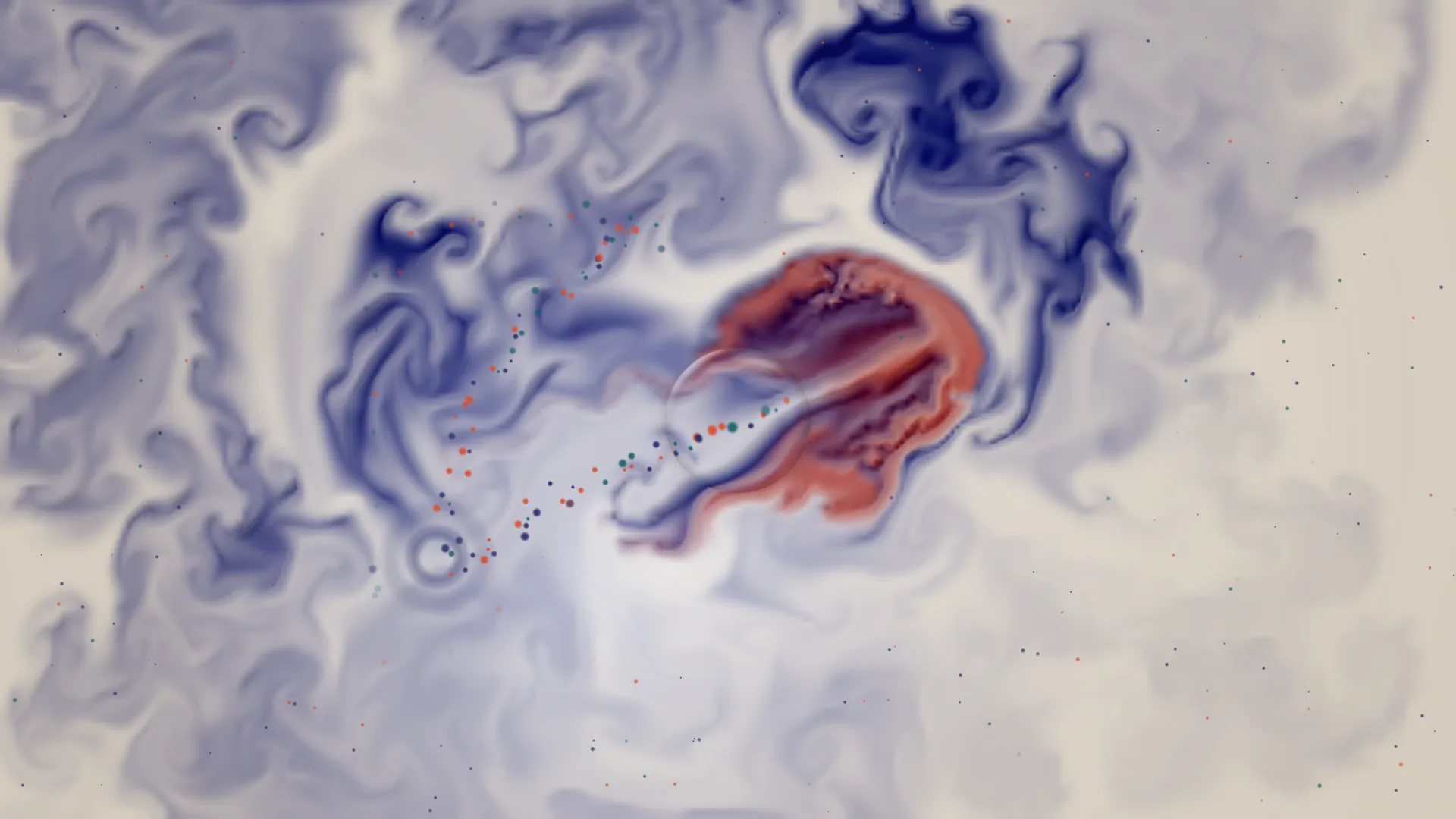
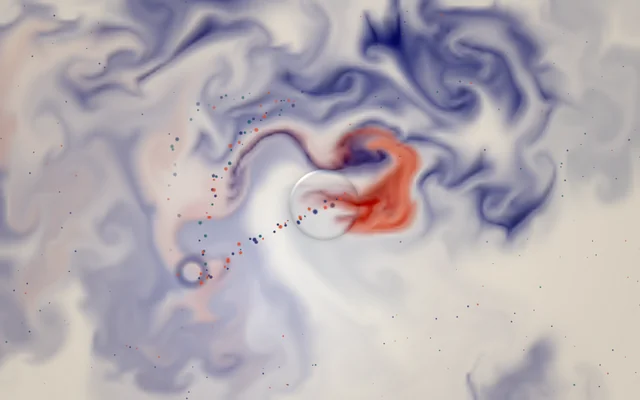
A pool of milk with indigo, vermilion and teal ink folding through it. Move the pointer and the ink swirls after it, click and a drop ripples out, hold the button and drag to draw the ink out in long threads.
Main feature: The pointer, clicks and time. Also uses: Particle systems, Effects and masks, Layers and folders.
What you'll learn
- How every layer can answer the pointer in its own way, with no script at all: hover, click and drag.
- How the Subtract blend turns ink made as light into ink on white milk: each ink leaves its opposite behind.
- How three emitters, one on click, one by distance and one drifting all over, make the ripples, the trail and the specks.
How it's built
Five layers, bottom to top: Milk, Ink, Ripples and specks, Drop of water, Bowl's edge.
- Milk is a round Gradient.
- Ink is a Fluid, stirred wherever the pointer moves. Each click puts more ink in, and holding the button down and dragging pulls the ink along behind. When the pointer's away, the ink still drops in now and then by itself. Its Blend is Subtract: the fluid's ink is made as light, added to what's under it, which suits a dark scene. Taken away from white milk instead, each ink leaves its opposite behind, so the inks are set to pale yellow, cyan and peach, and they show as indigo, vermilion and teal.
- Ripples and specks is a Particle system with three emitters: Ripples (Spawn on click, a ring sprite growing over its life) spreads a ring from each click; Trail (an emitter that follows the pointer, with Spawn per distance) sheds a trail of coloured beads wherever the pointer moves; Specks (a slow drift all over, with a Pointer force that pushes them away) are fine specks of pigment floating on the milk, pushed aside as the pointer passes. The particles are drawn with the Normal blend rather than Light, so they show as ink on the light ground.
- Drop of water is a Lens that follows the pointer like a drop of water on the surface: Follows the pointer is on, and Drifts keeps it wandering when the pointer's gone, so it's never still.
- Bowl's edge, a soft Vignette, makes the edge of the bowl.

To work out an ink's opposite, take its colour from white: indigo #1f2a6b from white is #e0d594. Paler milk needs slightly stronger opposites.
Look in Studio
It opens from Studio's start page, under Start from one of Motion's. Click Try it under the preview, then move, click and drag over the preview: clicks go to the scene instead of picking layers. Pick Ink and look at its Blend, then pick Ripples and specks and click Particles tab in its settings: the particle editor opens as a tab in the row under the toolbar, with its three emitters.
Make it yours
- Raise Curl on the Ink, the Fluid, for curlier swirls, or Settles for thick, slow ink.
- Turn the Ink's Sound pushes it up and the music stirs it too.
Settings people can change
| Setting | What it does |
|---|---|
| Inks, as their opposites | The three inks, each set to its opposite, since it's taken away from the milk |
| How soon the ink fades | Low keeps the ink for a long time; high clears it quickly |
| Ink drops by itself | How often ink drops in when nobody's touching it |
| Drop of water under the pointer | How much the lens shows |
| Milk | The milk's colour |