3D particles
Snow, embers, fireflies or sparks in real depth.
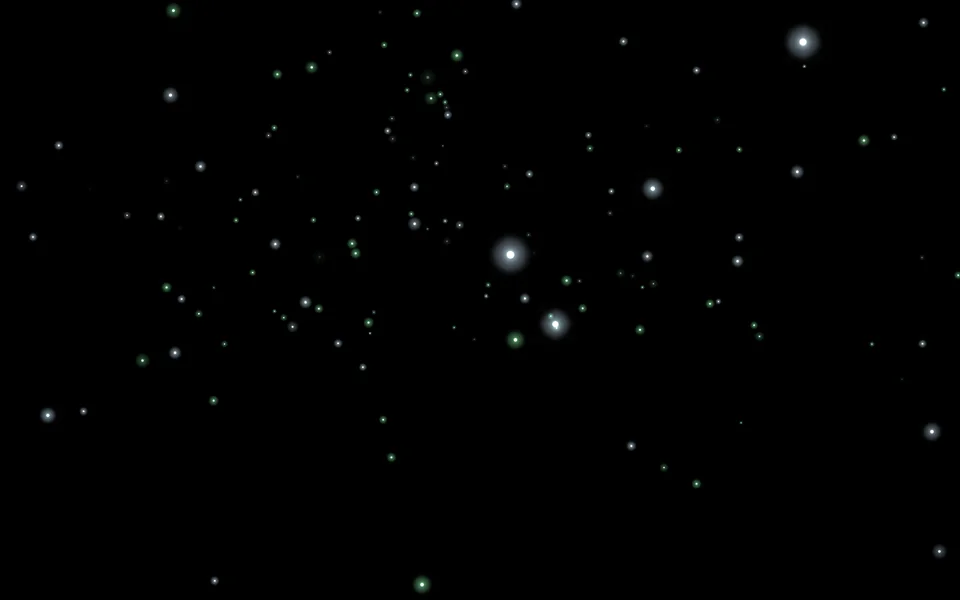
Particles
| Setting | Kind | Starts at | Range and notes |
|---|---|---|---|
Kindpreset | choice | Fireflies | Snow, Embers, Fireflies, Galaxy swirl, Sparks |
Drawn aslook | choice | As the kind is | As the kind is, Glowing, Lit, Solid, StreaksSolid ones can cast shadows |
Amountamount | number | 1× | 0 to 4× |
Sizesize | number | 1× | 0.1 to 5× |
Speedspeed | number | 1× | 0 to 4× |
Lifelife | number | 1× | 0.2 to 4× |
Areaarea | number | 1× | 0.1 to 5× |
Gravitygravity | number | 0 m/s² | -10 to 10 m/s²Below zero they rise |
Windwind | number | 0 m/s | -5 to 5 m/s |
Swirlswirl | number | 0°/s | -90 to 90°/s |
Drawn to the pointerpointer | number | 0% | -100% to 100%Below zero the pointer pushes them away |
Moves to soundreact | number | 0% | 0% to 100%More with the bass, a burst on the beat |
Colours of my ownownColours | on or off | off | – |
First colourcolour | colour | #7ce695 | – |
Second colourcolour2 | colour | #caecff | – |
Cast shadowsshadows | on or off | off | Solid ones only |
Camera
| Setting | Kind | Starts at | Range and notes |
|---|---|---|---|
Field of viewfov | number | 45° | 10 to 120° |
Distancedistance | number | 10 m | 1 to 80 m |
Heightheight | number | 8° | -80 to 89° |
Aroundorbit | number | 0° | -180 to 180° |
Goes roundautoRotate | number | 4°/s | -60 to 60°/s |
Looks at the heighttargetY | number | 1 m | -10 to 20 m |
Leans to the pointerlean | number | 35% | 0% to 100% |
From a script
Every setting above can be changed by the scene's logic, by its key. Say the layer is called 3D particles:
scene.set("3D particles", "amount", 4);scene.animate("3D particles", "opacity", 0.5, 2);import { scene } from "motion";scene.set("3D particles", "amount", 4);scene.animate("3D particles", "opacity", 0.5, 2);◆On Scene Start
ƒSet Layer SettingTarget is Layer
Target3D particles
Parameter Nameamount
Parameter Value4
What every layer has
Besides its own settings, every layer has its opacity, blend, placement, quick effects and an effects stack. They're listed once, on the layers page.
Notes from the community
Written by creators and checked by the docs' editors. Not part of Motion's official reference.