Cellular automata
The Game of Life and its relatives.
- Kind
- Layer · Simulations
- Script name
automata- Cost to draw
- Moderate
- Reacts to
- the pointer
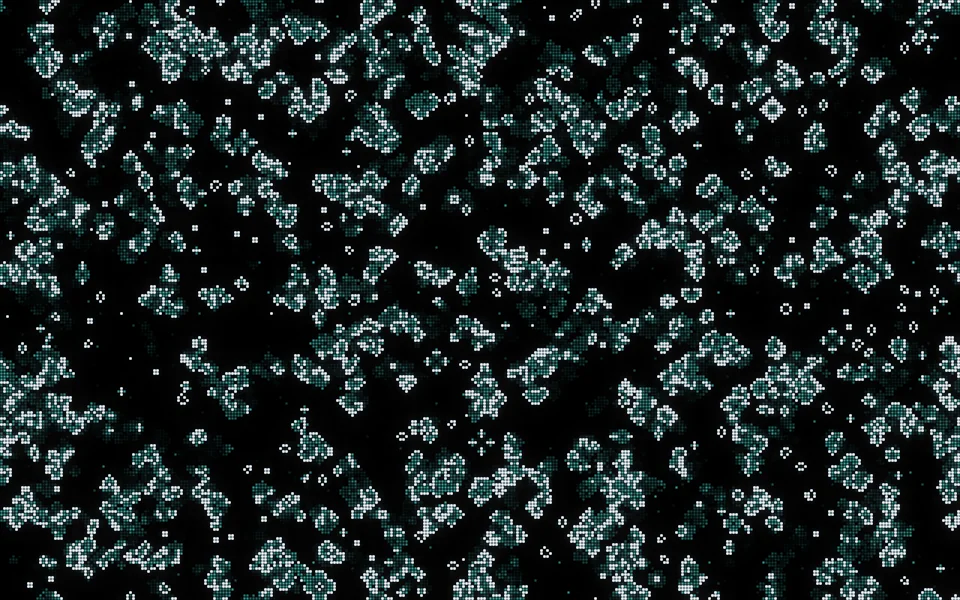
Cells
| Setting | Kind | Starts at | Range and notes |
|---|---|---|---|
Rulerule | choice | Life | Life, HighLife, Seeds, Brian's Brain, Day and Night, Maze, My own |
My own rulecustom | words | B3/S23 | Born and survives, as in B36/S23 |
Cell sizecell | number | 6 px | 2 to 24 px |
Generations a secondspeed | number | 12 | 1 to 60 |
Starts withdensity | number | 30% | 5% to 60% |
Borncolour | colour and alpha | #caecffff | – |
Fadingcolour2 | colour and alpha | #3fd0c9ff | – |
Fadefade | number | 60% | 0% to 100%How long the dead glow |
Keeps it goingreseed | number | 30% | 0% to 100%Sprinkles new cells now and then |
The pointer draws cellspointer | on or off | on | – |
Starting cellsseed | seed | 1 | – |
From a script
Every setting above can be changed by the scene's logic, by its key. Say the layer is called Cellular automata:
scene.set("Cellular automata", "cell", 24);scene.animate("Cellular automata", "opacity", 0.5, 2);import { scene } from "motion";scene.set("Cellular automata", "cell", 24);scene.animate("Cellular automata", "opacity", 0.5, 2);◆On Scene Start
ƒSet Layer SettingTarget is Layer
TargetCellular automata
Parameter Namecell
Parameter Value24
What every layer has
Besides its own settings, every layer has its opacity, blend, placement, quick effects and an effects stack. They're listed once, on the layers page.
Notes from the community
Written by creators and checked by the docs' editors. Not part of Motion's official reference.