DocsExample scenesLogic and interaction
Example scene · Logic and interaction
Glow Tide
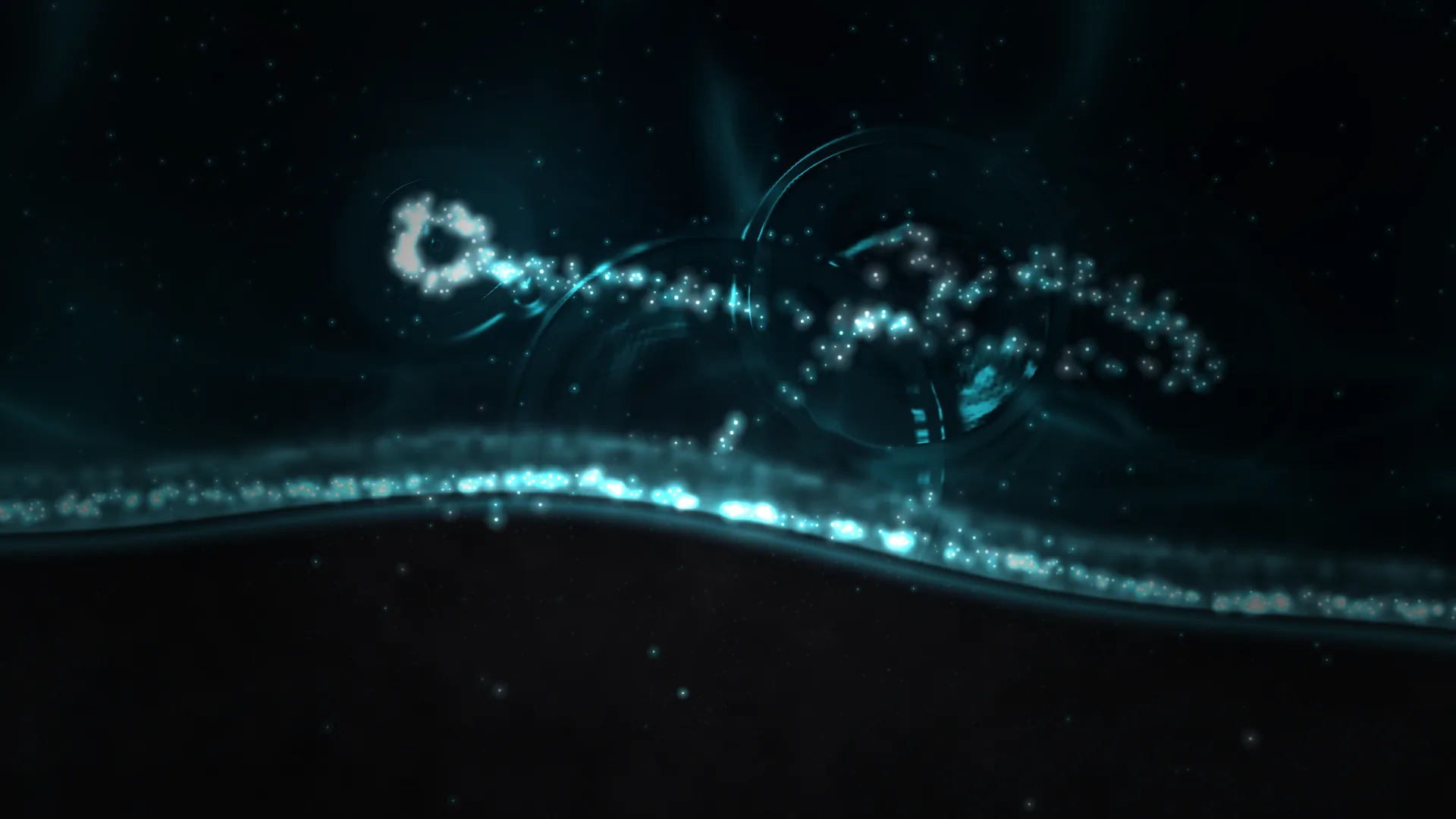
A night shore seen from above: black volcanic sand, dark water, and surf that glows electric blue where it breaks, as tides full of plankton do. Move the pointer over the water and it stirs and lights up; click and it splashes light; drag and you draw a glowing wake behind you.
Main feature: The pointer, clicks and time: hover, click and drag. Also uses: Particle systems (the foam, the plankton, the wake and the splashes), Layers and folders (the water, pictures of the sand and the surf's light, mist).
What you'll learn
- How every part of a scene can answer the pointer in its own way: hover stirs the water, a click splashes it, a drag draws a wake.
- How particle emitters can be born along a path, follow the pointer and spawn by the distance it travels, or wait for clicks.
- How one curve, the shoreline, lines up pictures and particles, so the living foam breaks exactly where the picture glows.
How it's built
The layers, bottom to top: Sea, Stars in the water, Glow in the deep, Surf's light, Black sand, Living foam, Pointer light, Sea mist, Vignette.
- Sea is a Water surface. It ripples wherever the pointer moves (The pointer stirs it) and splashes in rings when you click (Clicks splash).
- Stars in the water, Stars, are reflected in it and shimmer faintly, and Glow in the deep, Glow orbs, lies deep in the water.
- Surf's light and Black sand are pictures (Picture or video). The sand is dark grains with a wet, glossy band near the water that catches the blue; the surf's light is a soft band along the edge, broken into lace by noise, on the Light blend, and its Pulse (under Motion) breathes it slowly.
- Living foam is a Particle system with four emitters. Foam is born all along a path that follows the shore and drifts out to sea, and its Pointer force pushes it aside and swirls it; Plankton, in a box over the water, has a Pointer force too, which draws it in and spins it, so wherever you move the water lights up round you; Wake follows the pointer (in Emitter state, Follows the pointer) and gives birth to sparks by the distance it travels (Spawn per distance), so moving fast draws a long trail of light that drifts and fades; Splash waits for clicks and throws a ring of sparks out from the spot (Spawn on click).
- Pointer light, a Pointer light, adds a soft glow and trail of its own, and bursts when you click.
- Sea mist, Fog and clouds, and a Vignette go on top.
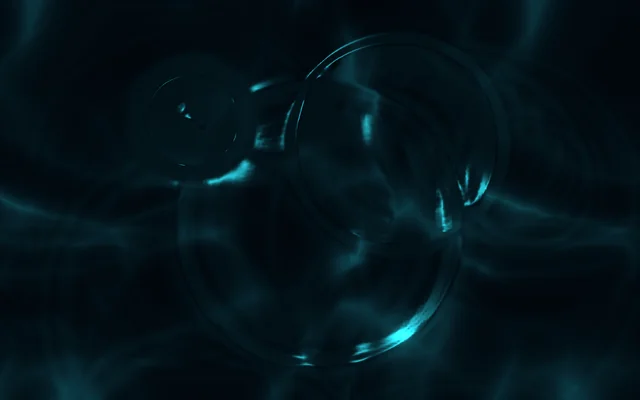
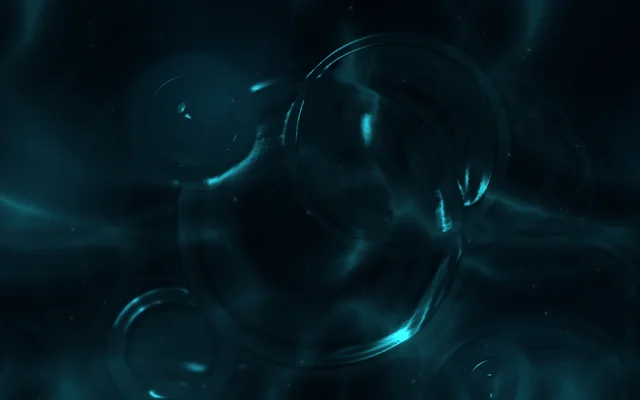
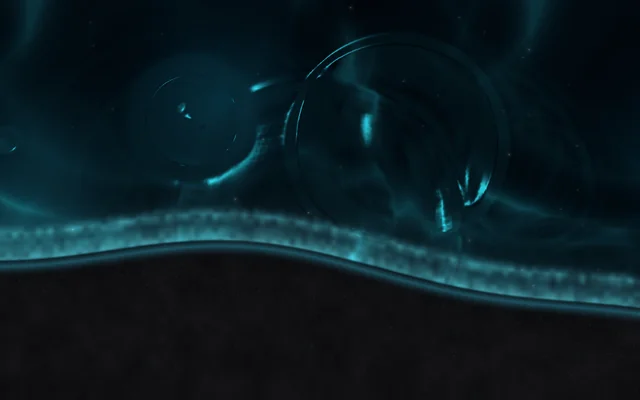
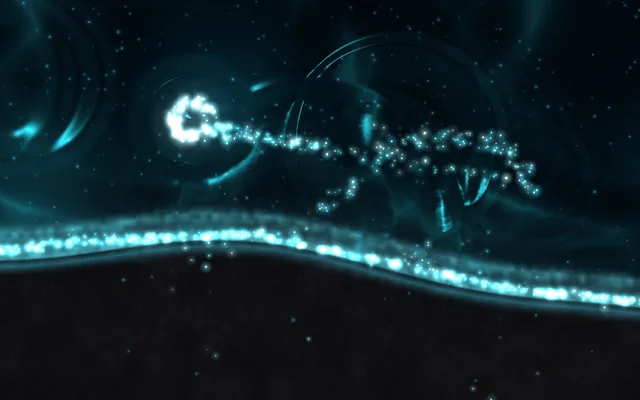
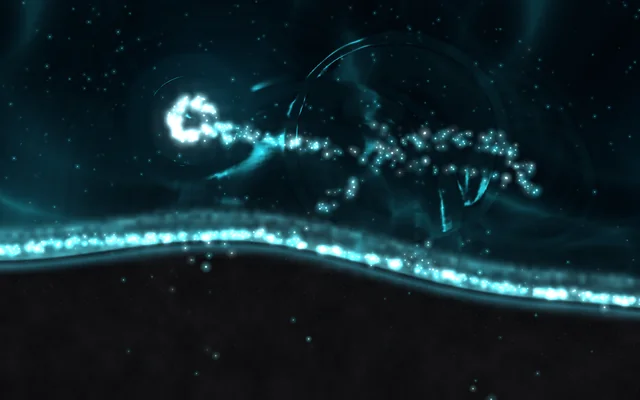
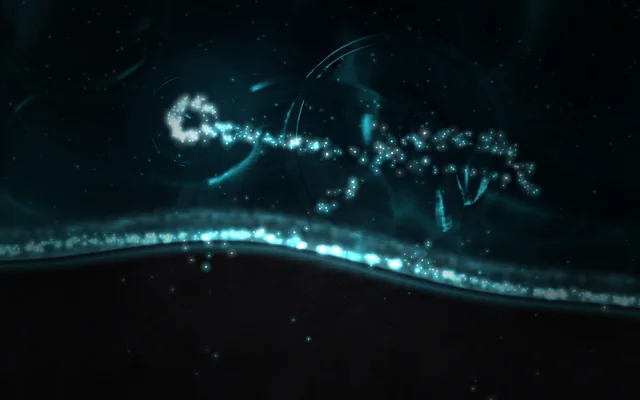
Without you, the surf keeps breaking: the foam drifts out, the band of light along the water's edge pulses slowly, and faint stars shimmer in the water.
The sand and the surf's light, sand.png and surf.png, are pictures in the scene's Assets panel (Alt+3), drawn along the same shoreline as the Foam emitter's path, so the living foam breaks exactly where the picture glows. To use your own beach, drag your picture into Assets, pick Black sand and choose it under File; then move the Foam emitter's path to match its shore.
Look in Studio
It opens from Studio's start page under Start from one of Motion's. Click Try it under the preview, then move, click and drag over the water. Pick Living foam and click Particles tab in its settings: the particle editor opens as a tab in the row under the toolbar, with its four emitters. Click the Scene tab to go back, and pick Sea to see its interaction.
Make it yours
- Change the colours to a green tide: the foam's and wake's Initial colour, the Sea's Light colour and the Pointer light's colours.
- Raise the Wake's Per screen height for a thicker trail, or its Lives for (under Lifetime) for one that lingers, in the Particle system.
Settings people can change
| Setting | What it does |
|---|---|
| Surf's glow | How brightly the water's edge glows |
| Foam | How much living foam there is |
| Clicks splash | Whether a click splashes the water |
| Pointer's trail | How long the pointer light's trail is |
| Sea mist | The mist over the water |
| Bloom | How much the bright parts bloom over everything |