DocsExample scenesColour and light
Example scene · Colour and light
First Light
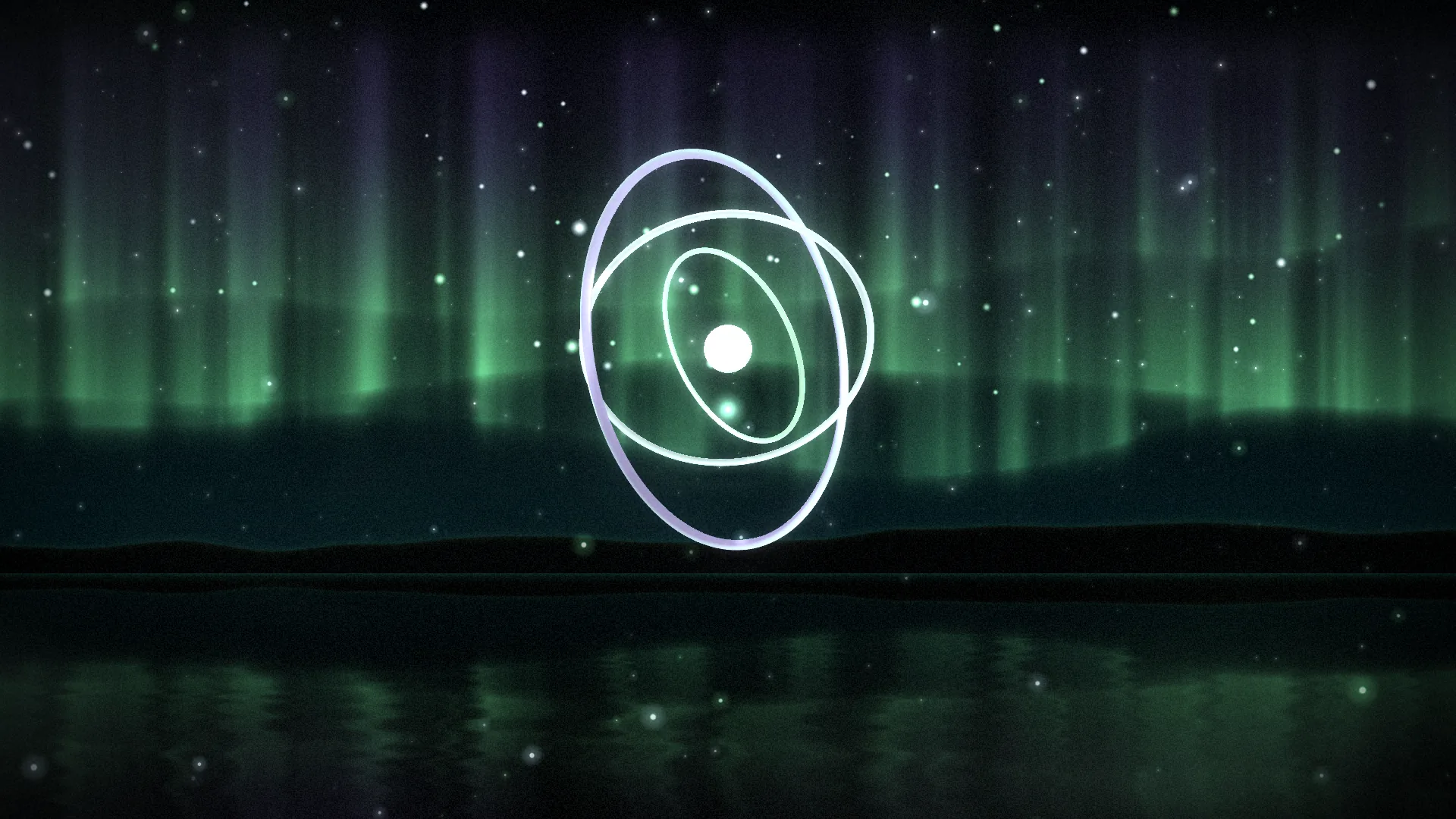
A glowing beacon turns inside three rings over still water, under curtains of aurora that brighten with the music. It's the one on the front page: a bit of everything Motion does, in one calm night.
Main feature: everything at once: 3D, a Shader of my own (Materials), Sound and the pointer. Also uses: Layers and folders (stars, motes, mist and glow orbs), Effects and masks (an adjustment layer and a mask), Publishing (the shader's settings offered on the desktop).
What you'll learn
- How one shader, built from nodes, can be the whole world behind a scene: the night sky, the aurora, the far hills and the water mirroring them.
- How a 3D layer with a clear background sits in front of it, with one model used three times.
- How the music moves things without a script: sound nodes in the shader, Moves to sound in the 3D, and a setting that Follows the sound.
How it's built
The layers, bottom to top: Aurora, Stars, Beacon, Near motes, Mist, Glints, Pointer light, Finish.
- Aurora is one Shader, built from nodes: the night sky, three curtains of aurora hanging in rays, a line of far hills, and the water below the horizon showing all of it upside down, rippled. Its Sound Levels and Beat nodes make the curtains brighten with the bass and flare on the beat; with nothing playing they drift on their own.
- Stars, Stars, with a Mask that fades them out towards the bottom, so there are no stars in the water. They shift with the pointer by their own Depth.
- Beacon is a real 3D scene with a clear background, so the shader shows through: a glowing core with a point light inside, three thin rings that each turn at their own pace, a cool moonlight and a violet rim light, and 3D sparks swirling round the core. The rings are one model,
ring.glb, used three times at three sizes, tilts and colours. The core, its light, the inner ring and the sparks have Moves to sound, so they swell with the bass and glow on the beat, and the camera leans towards the pointer. - Near motes, Motes, shift with their own Depth, and Mist, Fog and clouds, lies over the water.
- Glints, Glow orbs, have a Brightness that follows the bass (the ∿ beside it, Follows The sound), and the Pointer light, a Pointer light, trails after the pointer and bursts on a click.
- Finish is an Adjustment layer that adds film Grain and a Vignette over everything, and the scene's bloom does the rest.
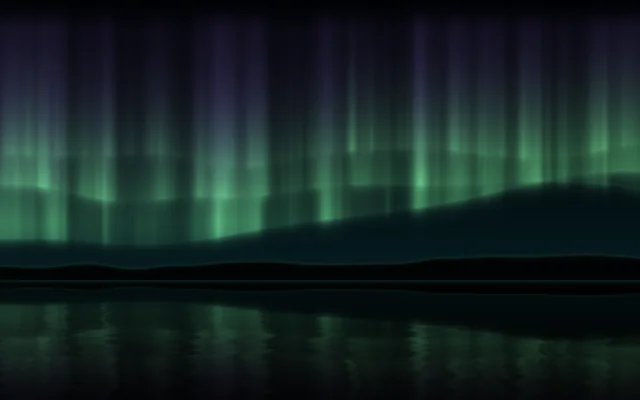
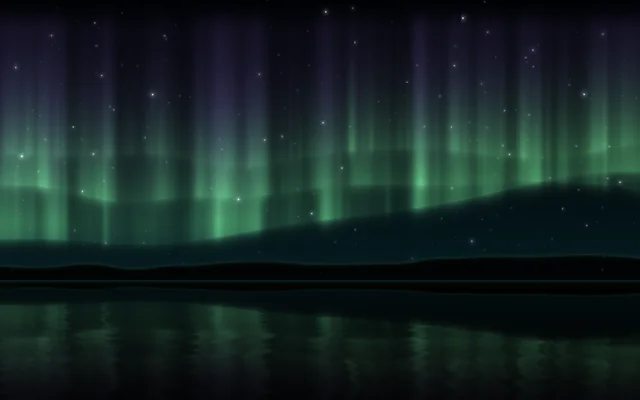
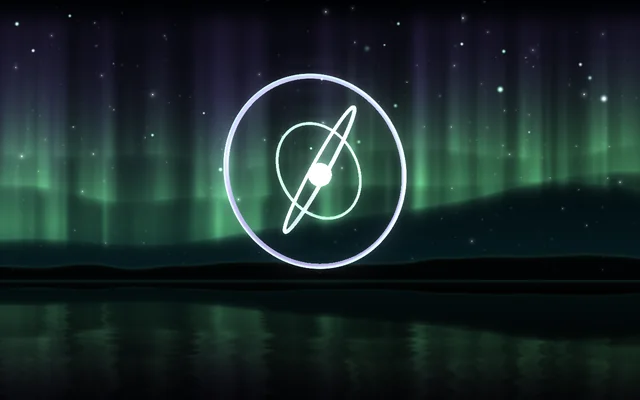
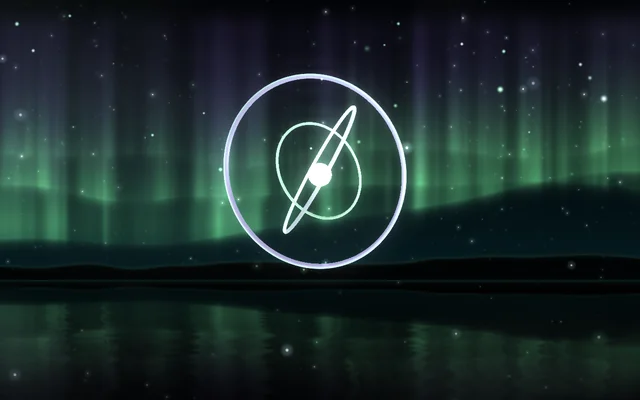
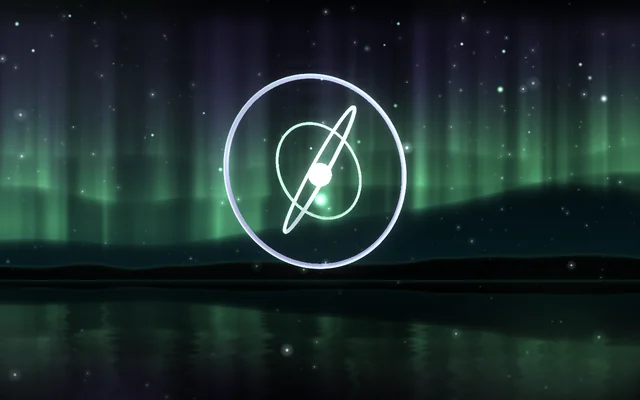
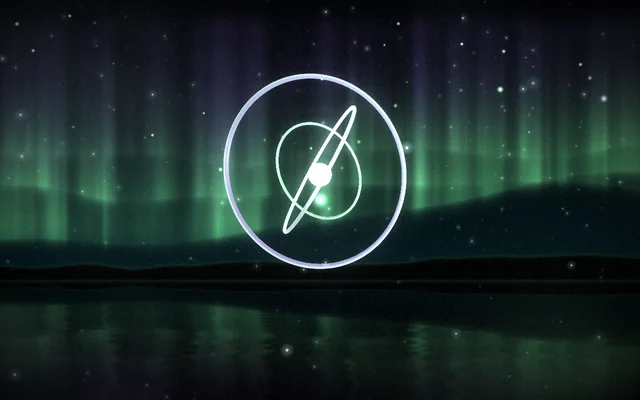
The aurora is built from nodes in the Aurora layer's graph: noise makes the hems and the rays, each curtain fades softly above and below its hem, and the water is a mirror of the sky with a little noise in it.
The rings' model, ring.glb, is in the scene's Assets panel (Alt+3). Use it in 3D scenes of your own, or bring in a model of yours (.glb, .gltf, .fbx or .obj): pick Beacon and click + under Objects and lights, then Model…. Nothing else in the scene is a picture: the rest is Motion's own layers, which you change in the inspector.
Look in Studio
It opens from Studio's start page under Start from one of Motion's.
- Pick Aurora and click Open the editor in the inspector. Its graph opens as a tab named Aurora, in the row under the toolbar; pick Nodes at the top if it shows the code. Each part sits in a comment box, read from the top down: the clock and the sound, the night and the far hills side by side, each of the three curtains, and the sky they make together, then all of it again at the point the water mirrors, rippled and darkened, chosen below the horizon by a Step. A value one part works out and others need is a variable: it's set once, with a Set node, and read with a Get node wherever it's used, so no wire runs between the boxes. Its four settings (Pace, Brightness, Lower colour, Upper colour) are the shader's own parameters.
- Pick Beacon. In Objects and lights, look at the three rings (each a Model item with Spin), the Core and its Core light, and the Sparks. Camera has Goes round and Leans to the pointer.
- Pick Glints and click ∿ beside Brightness to see it follow the sound.
- Pick Finish: its effects apply to every layer beneath it.
Make it yours
- Change the Shader's Lower colour to a warm rose and Upper colour to deep blue, for a pink aurora.
- In the Beacon's items, give each ring a different Glow colour, or add a fourth ring by duplicating one and changing its Size and Turn.
Settings people can change
| Setting | What it does |
|---|---|
| Aurora's pace | How fast the curtains fold and drift |
| Aurora's brightness | How strongly they shine |
| Lower colour | The colour along the curtains' lower hems |
| Upper colour | The colour they fade into overhead |
| Camera goes round | How fast the view circles the beacon |
| Leans to the pointer | How much the 3D view follows the pointer |
| Sparks | How many motes drift up in front |
| Mist | The mist over the water |
| Bloom | How much the bright parts bloom over everything |