DocsExample scenesParticles and 3D
Example scene · Particles and 3D
Solar Wind
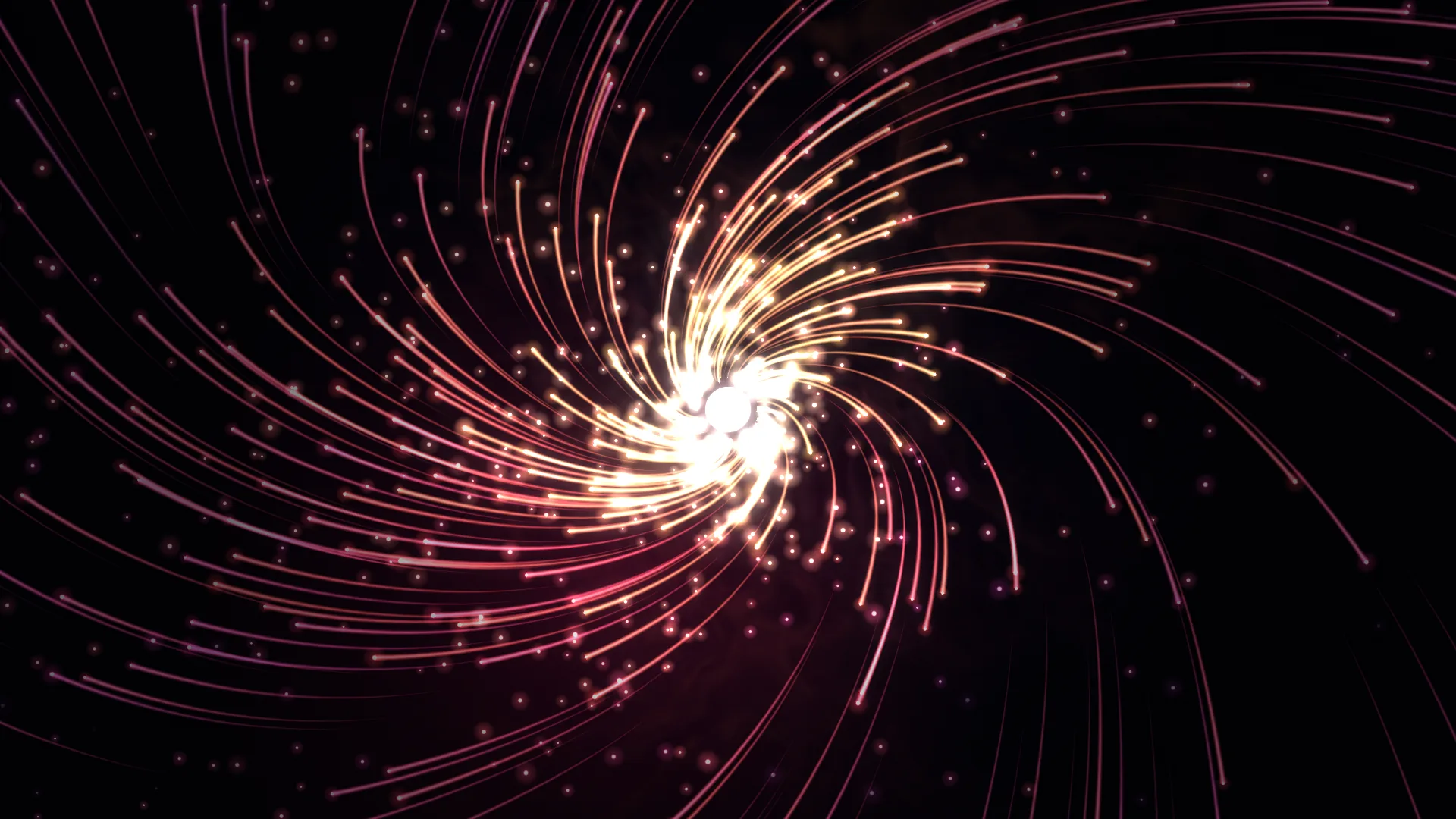
Hot trails of amber and magenta spiral out of a small white sun into a slow vortex, and burst outwards on every beat of whatever's playing. Dark, warm and busy.
Main feature: Particle systems. Also uses: Sound (the beat), Layers and folders, Effects and masks (a masked nebula and the scene's bloom).
What you'll learn
- How one Particle system layer holds three emitters, each a column of modules in the Particles tab.
- How forces stack in the order they act, and why Drag matters more than it looks.
- How an emitter can show nothing at all until a beat, then throw out a burst.
How it's built
The layers, bottom to top: Space, Corona haze, Solar wind, Sun, Vignette.
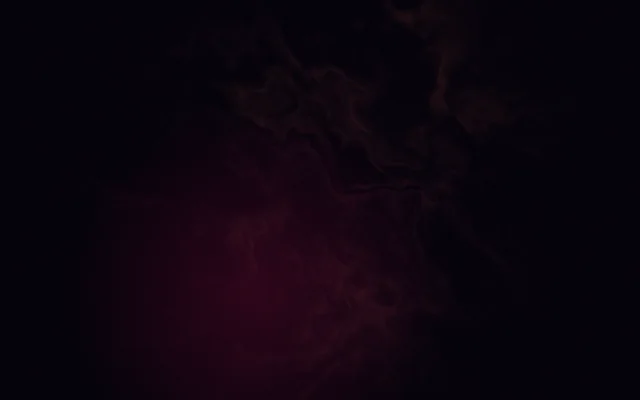
- Space is a Gradient, and Corona haze over it is a Nebula kept to the middle by a round Mask.
- Solar wind is one Particle system layer with three emitters. The first, Streams, makes the long trails. They're born on the surface of a small sphere round the sun, pushed round by a Vortex, stirred by Curl noise, slowed by Drag, and drawn as a Ribbon: a trail behind each particle. Colour by life takes each one from white through amber and red to magenta, and fades it out at the end.
- Sparks are the specks between the trails, with the same forces but drawn as glowing sprites that flicker.
- Burst on beat is nothing at all until a beat. Spawn on beat then throws out 140 short, bright ribbons at once, which heavy drag stops within a second. The system warms up for four seconds before you see it, so the trails are already long when the wallpaper starts.
- The Sun is a Shape that breathes a little, and a Vignette goes on top.
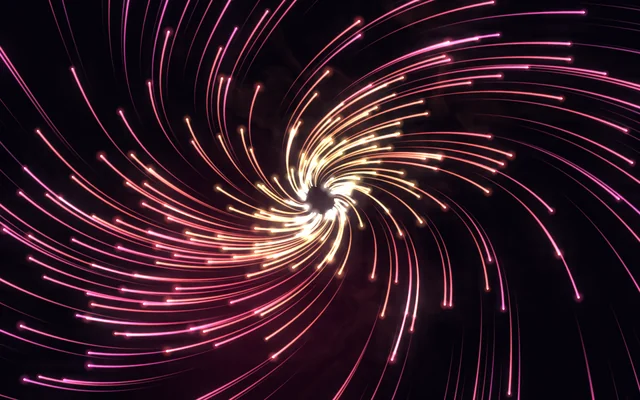
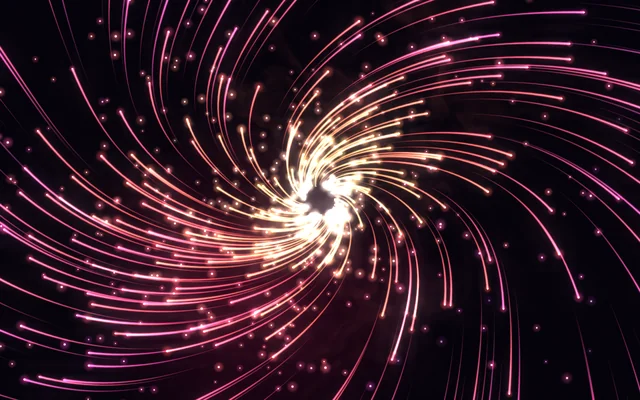
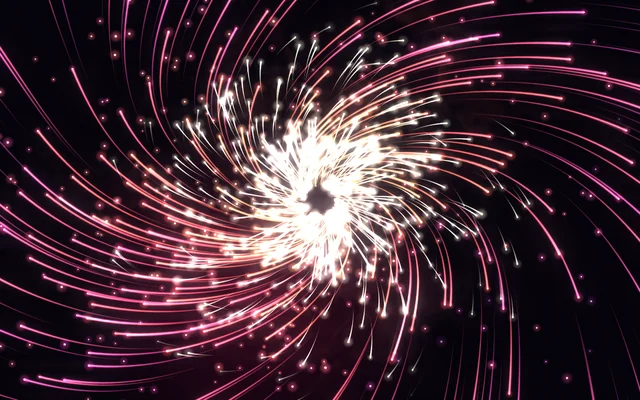
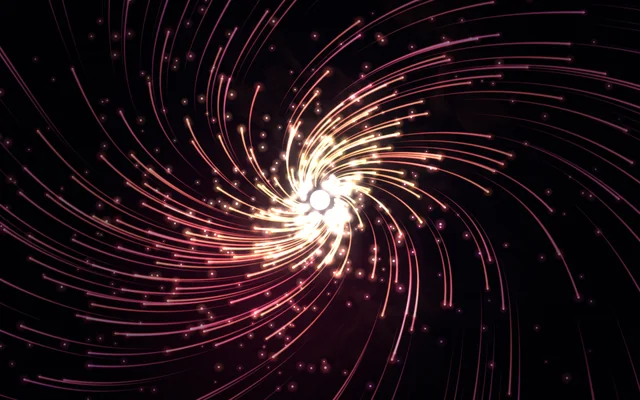
About 2,000 particles are alive at a time, each with its trail, so it stays light.
The forces are in the order they act: the vortex first, then the noise, then the drag. Drag matters more than it looks: without it the vortex keeps speeding particles up and they leave the screen in a blink.
Look in Studio
Open it from Studio's start page, under Start from one of Motion's. Pick the Solar wind layer and click Particles tab in its settings: the particle editor opens as a tab in the row under the toolbar.
- Click a module in a column to see its settings on the right, over a live view of the layer. Try Vortex in Streams: Swirl turns them round, and Pull in below zero pushes them out.
- Open Colour by life's gradient to change the trail's colours along its life.
- Burst on beat only shows when there's a beat: play some music, or click the sound button under the preview until it says Pretend. On the desktop it needs Hear what's playing on, in Motion Player's Settings › Sound and pointer.
Make it yours
- Set Colour by life to blues and white and the sun becomes a cold star.
- Raise Pull in above zero in both emitters' vortices and the wind turns into a whirlpool, falling inwards.
- Swap Spawn on beat for Spawn on click in the third emitter of the Particle system and every click sets off a burst.
- Add a Pointer force module to Sparks and they'll scatter from the mouse.
Settings people can change
| Setting | What it does |
|---|---|
| Amount | How many particles are born, from a fifth to twice as many |
| Speed | How fast everything moves |
| Sun | How bright the sun in the middle is |
| Bloom | How much the bright parts bloom over everything |