DocsExample scenesParticles and 3D
Example scene · Particles and 3D
Vent Garden
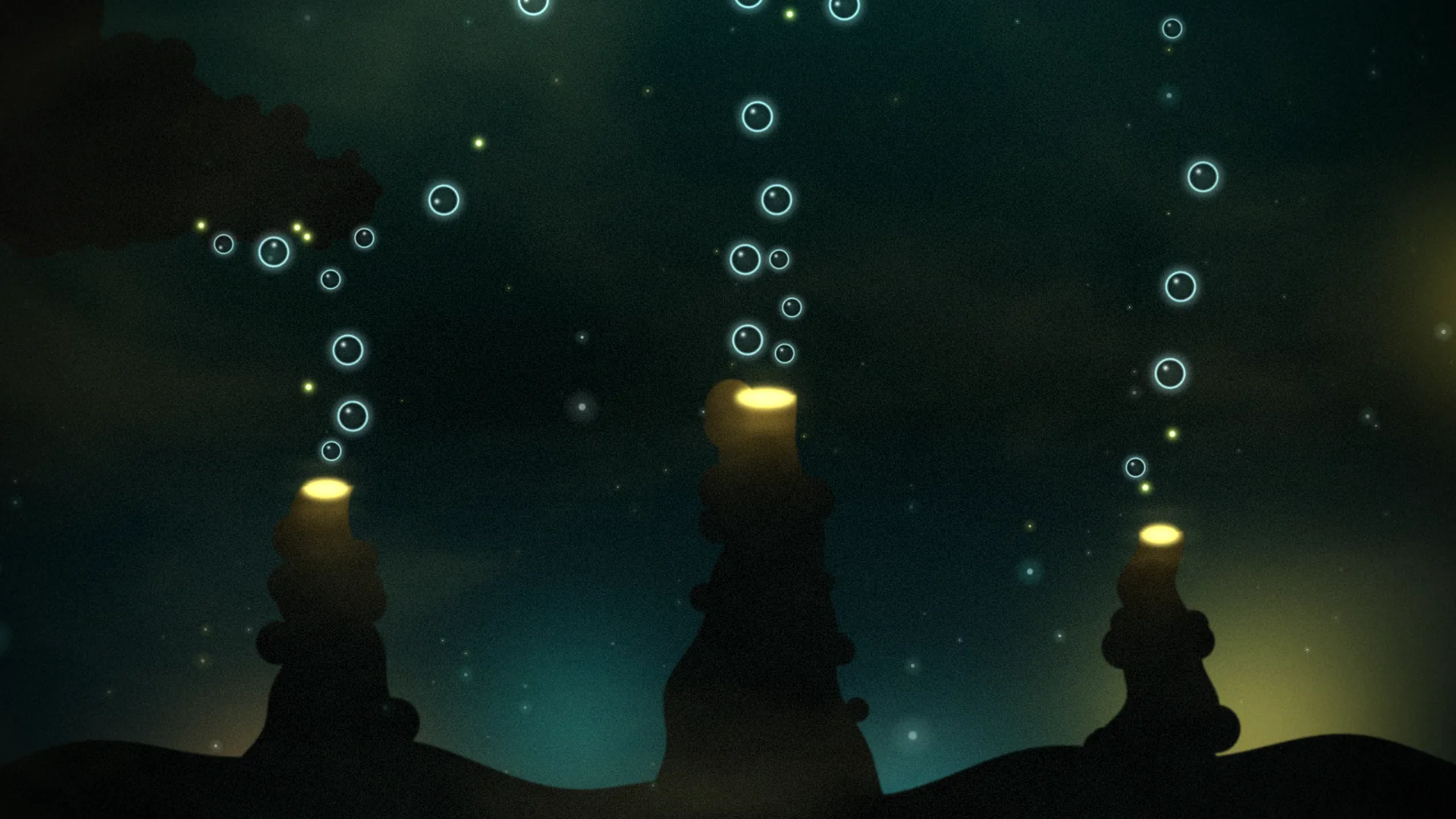
Bubbles and glowing spores rise from vents on the deep-sea floor, jostling as they go and gathering under an overhang of rock before they slip round it. A click lets a burst go from the nearest vent. It's dark, green and quiet.
Main feature: Objects and templates, with physics. Also uses: Logic as code (a TypeScript script spawns them), The pointer, clicks and time (a click lets a burst go), Sound (a beat lets a few go), Effects and masks (heat haze over the vents), Layers and folders.
What you'll learn
- How templates work: each is a picture layer for its look and a circle body, with its own size, weight and bounce, and the script makes as many objects from them as it likes.
- How physics can run upside down: the scene's gravity points up, so everything rises, and fixed bodies give the bubbles rock to pile up under.
- How objects get behaviour: fading out with age or on a hit, and bursts on a click or a beat.
How it's built
The layers, bottom to top: Deep water, Far water, Glow of the vents, Living light, Specks in the water, Vents, Haze over the vents, Small bubble, Bubble, Big bubble, Spore, Near specks, Finish.
- The water: Deep water, a Gradient, Far water, Fog and clouds, Glow of the vents and Living light, Glow orbs, and Specks in the water, Motes.
- Vents is
vents.png, a picture (Picture or video) of the chimneys, their glowing mouths and the overhang, as silhouettes against the water. Haze over the vents shimmers above the chimneys. - Templates. SmallBubble, Bubble, BigBubble and Spore are templates: each is a picture layer for its look (Small bubble, Bubble, Big bubble and Spore) and a circle body, with its own size, weight and bounce. The script makes as many objects from them as it likes.
- Physics, upside down. The scene's gravity points up (pick Scene and open Physics: Gravity (2D, down) is -240), so everything rises, and a little to the right (Gravity (2D, right) is 18), so they drift with the current. Linear damping keeps them slow, as in water. The overhang is four fixed circles, the chimneys are fixed boxes, two tall fixed boxes keep them in at the sides, and there's a fixed "surface" far above: the bubbles pile up under the overhang, slide round it, and fade when they reach the surface.
- Objects with behaviour. Each object fades out after half a minute or so, or when it hits the surface (the script's
onHit); past 140 at once, the oldest fades. A click finds the nearest vent and lets a burst of fourteen go; each beat of the music lets four go from the middle vent. - Near specks, more motes, and Finish, an Adjustment layer, go on top.

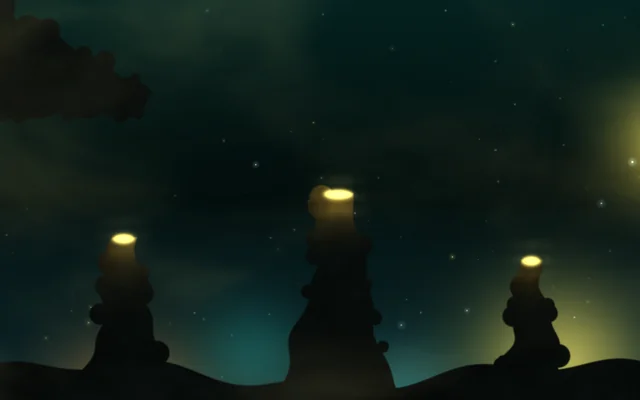
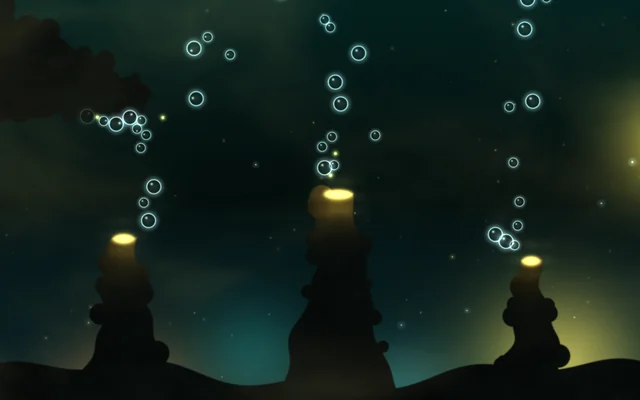
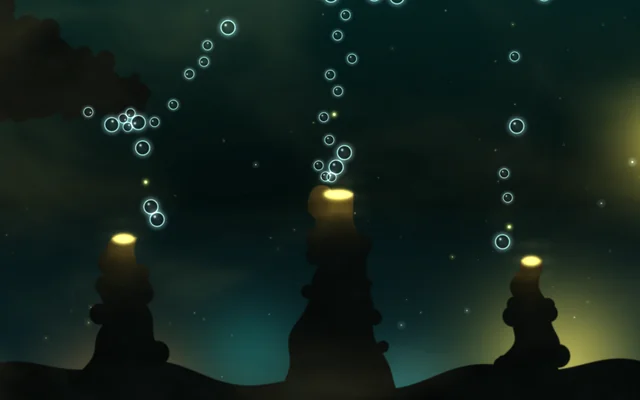
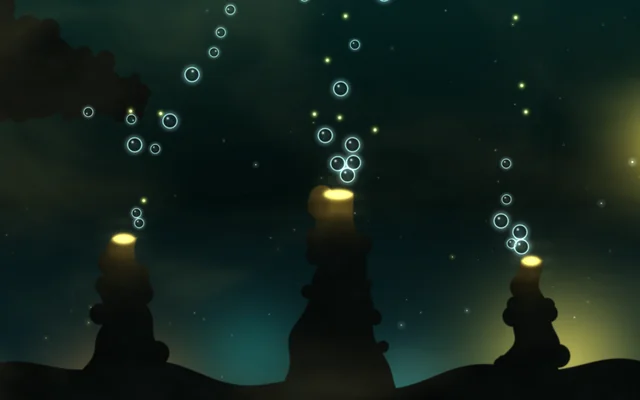
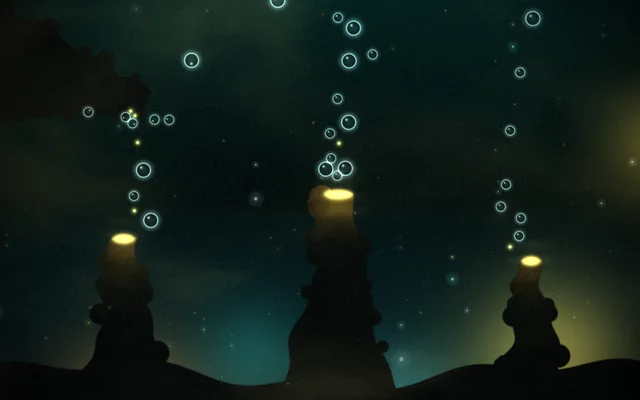
vents.png, bubble.png and spore.png are in the scene's Assets panel (Alt+3). The rock in vents.png is drawn where the fixed bodies are, so the bubbles meet it where you see it: move a fixed body and move the rock in the picture with it. The scene's script is TypeScript: pick Scene at the top of the Outliner and click Open the editor on its Script card.
Look in Studio
Open it from Studio's start page, under Start from one of Motion's.
- Open the Outliner: the fixed objects are listed (Overhang 1 to 4, Chimney 1 to 3, The surface, far above, and Left edge and Right edge, which keep them on the screen). The bubbles the script makes aren't: while it plays, the bar under the preview counts them, as so many objects and bodies.
- Pick Overhang 1 to see a body: under Has a body, it Moves Never, and its Shape and Radius match the rock in the picture. The four templates' looks are the Small bubble, Bubble, Big bubble and Spore layers, hidden while the scene plays; each object made from a template gets a copy.
- Open the script (pick Scene at the top of the Outliner and click Open the editor on its Script card):
Gardenlets bubbles go from each vent at its own pace;Risingis what every bubble and spore does. - Pick Scene and open Physics: Gravity (2D, down) is below zero, so it points up, and Gravity (2D, right) is the current.
Make it yours
- Set Gravity (2D, down) to 600 in the scene's Physics and add a floor (an object with a body that Moves Never: a wide Box along the bottom). It becomes a fountain of falling glass beads.
- Turn Gravity (2D, right) up to 300 for a strong current: the bubbles lean to the right as they rise and crowd into the top right-hand corner.
- Tint the spores: pick the Spore layer, the template's look, and add a Tint effect. Every spore made from it has it too.
- Add a fifth fixed circle to the overhang (duplicate Overhang 4 and move it), then paint the rock into
vents.pngwhere it goes: right-clickvents.pngin Assets, pick Show in Explorer (Show in the file manager on Linux), and open it in your image editor.
Settings people can change
| Setting | What it does |
|---|---|
| How often the vents breathe | Seconds between bubbles, more or less |
| Haze over the vents | The shimmering haze above the chimneys |
| Specks in the water | The drifting specks behind |
| Glow of the vents | How brightly the vents light the water |
| Bloom | How much the bright parts bloom over everything |