DocsExample scenesParticles and 3D
Example scene · Particles and 3D
Jelly Bloom
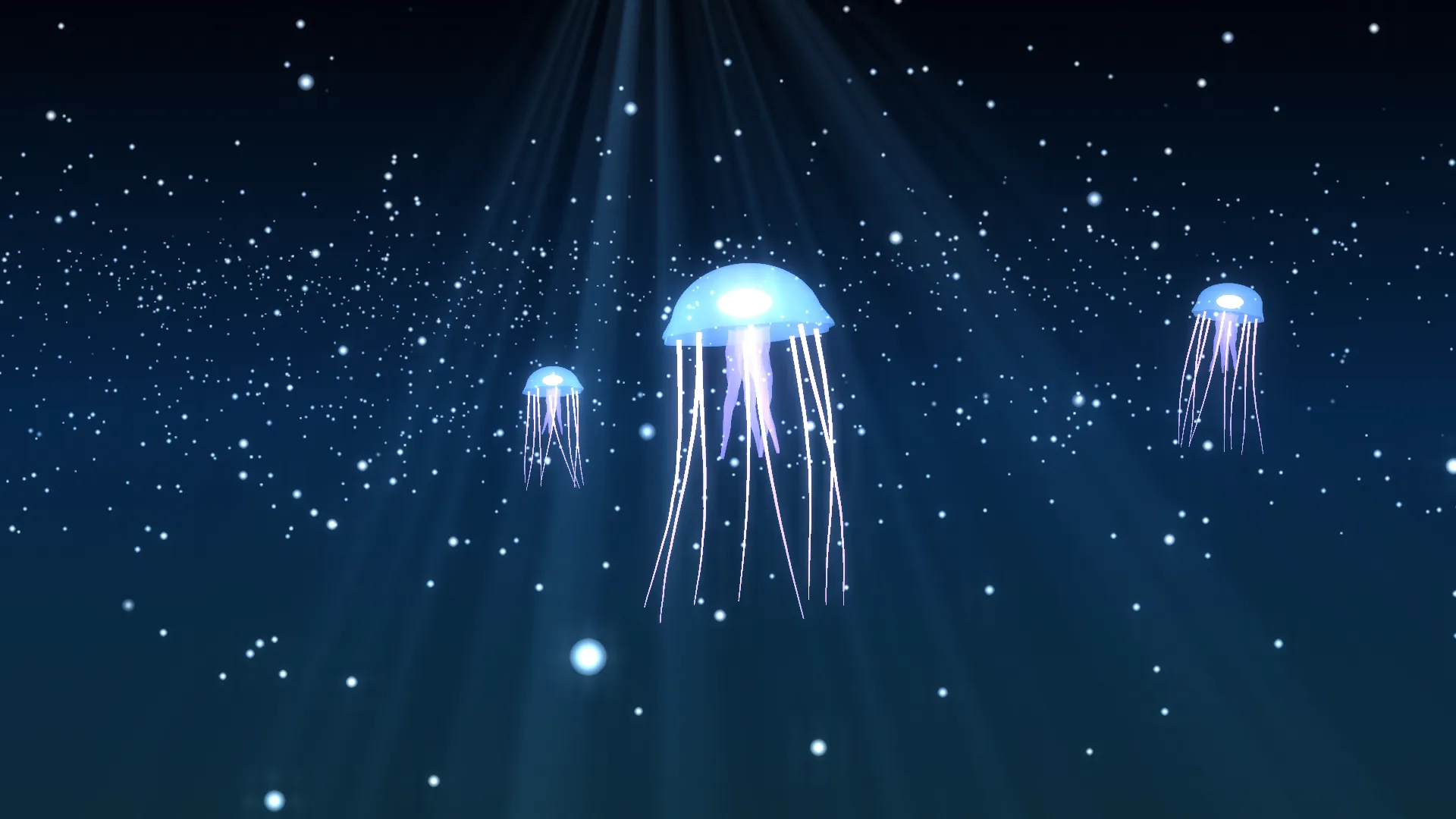
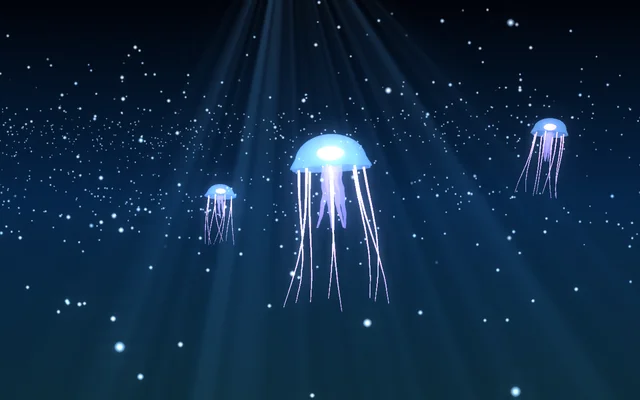
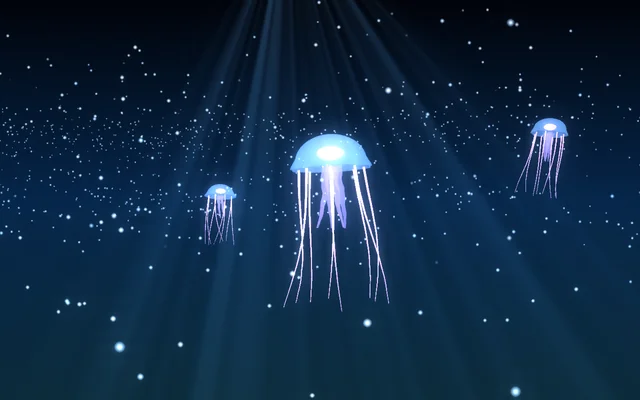
Three glowing jellyfish pulse slowly through deep blue water, trailing their tentacles through falling marine snow, with light coming down from the surface far above. It's dark and calm.
Main feature: 3D: a 3D model with its own animations. Also uses: Layers and folders (a gradient and light rays behind the 3D), 3D particles for the marine snow.
What you'll learn
- How a model with a skeleton plays the animations it came with (its clips), and how one clip can be mixed into another.
- How one model file can be used three ways, each with its own size, place in its clip, spin, bob and tilt.
- How a model can keep its own materials: a blended, see-through bell, glowing colours and two-sided surfaces.
How it's built
The layers, bottom to top: Deep water, Light from above, Sea.
- Deep water is a Gradient behind the 3D.
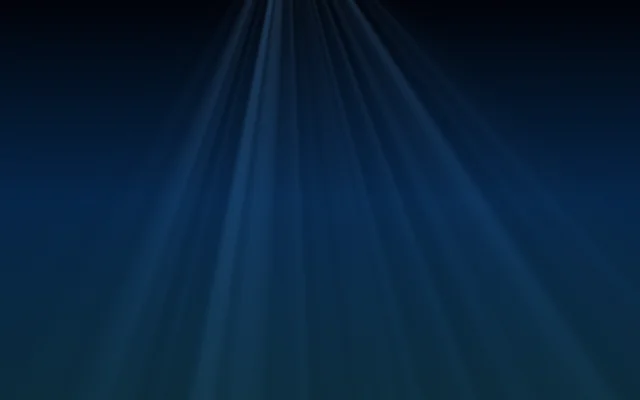
- Light from above, Light rays, brings the light down from the surface far above.
- Sea is a 3D scene. Its jellies are one model,
jelly.glb: a see-through bell, a glowing heart, four frilled arms and eight long tentacles, all one shape moved by a skeleton. Each model's Material is Its own, so it keeps the file's own look: a see-through bell, glowing colours and surfaces drawn from both sides. - The model has two clips: Swim, where the bell squeezes and lets go every 2.4 seconds and the tentacles trail in waves, and Drift, a slow breathing sway over 6 seconds. The big jelly and the far one swim (the far one at 80% speed); the small one drifts. Each jelly has its own Size, Start at in its clip (so they don't pulse together), Spin, Bob and tilt.
- The Glow of the big jelly point light bobs with it, tinting the water round it violet. Two 3D particle items of the Snow kind, in pale blue, fall slowly at two depths as marine snow, and in Light and air, Fog and Bloom make the far jelly hazy and soft.

The jellyfish, jelly.glb, is in the scene's Assets panel (Alt+3), with its two clips inside it. To change its shape or its clips, open it in a 3D app such as Blender, save it as .glb, and bring it back in: drag it into Assets, pick Sea, and add it with + under Objects and lights, then Model…. Its clips show in the Clip list.
Look in Studio
It opens from Studio's start page under Start from one of Motion's. Pick the Sea layer, then Big jelly in Objects and lights: under Model, its file; under Animation, the Clip (Swim or Drift), Speed, Plays and Start at.
Make it yours
- Set every jelly's Clip to Drift for an even slower scene.
- Change their Material to These settings and pick a Glow colour of your own.
- Add your own model to the 3D scene: a
.glb,.gltf,.fbxor.objwith clips appears with them in the Clip list.
Settings people can change
| Setting | What it does |
|---|---|
| Camera drifts round | How fast the view turns |
| Leans to the pointer | How much the camera follows the pointer |
| Bloom | How much the jellies bloom |
| Murk | The fog in the water |
| Light from above | The brightness of the rays from the surface |
| Brightness | The 3D layer's exposure |